
SAP
SAP MCP and OData: Read-Only Business Data for AI Agents
Answer SAP business-data questions with MCP and OData. Explore use cases, user permissions and a read-only demo evaluation.
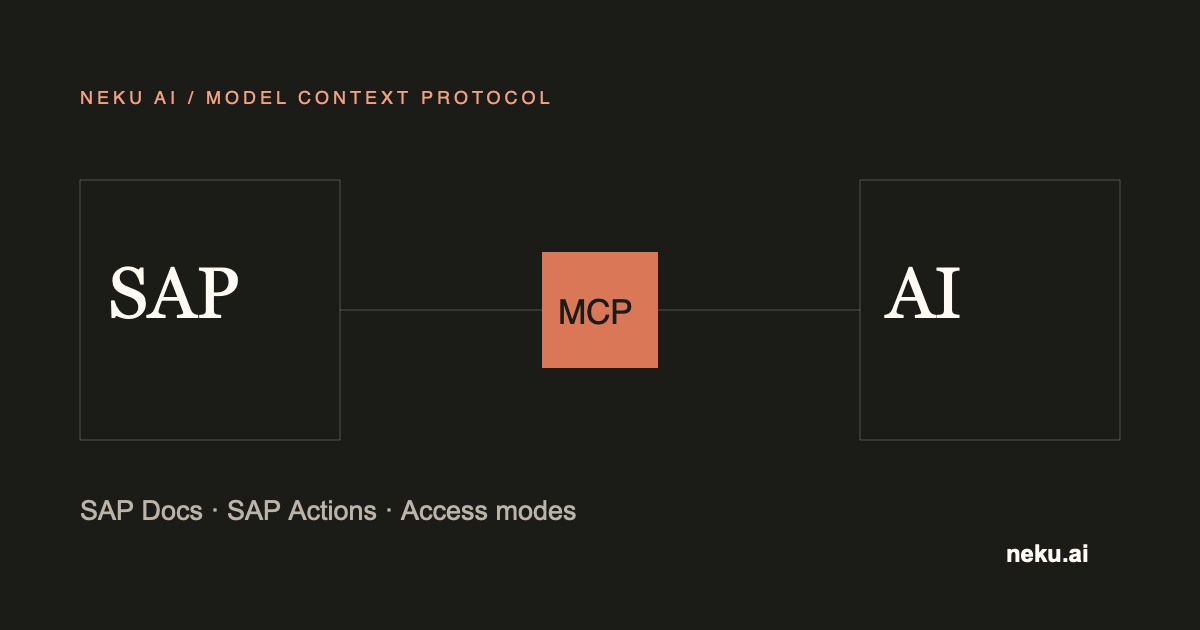
Reading business data through SAP MCP lets users ask questions about SAP records in natural language. NeKu AI SAP Data reads information from the OData services your organization enables, within the SAP user’s permissions. SAP Data is read-only: it does not create or change records.
Which questions can it help answer?
- Check the status of purchase orders you are authorized to view.
- Review accessible business records for a chosen period or status.
- Explain information shown in SAP and compare it with the relevant records.
For example, a team reviewing open purchase orders can ask about records within its own access boundaries. Available information depends on the organization’s SAP services and the user’s permissions.
How MCP and OData relate
MCP is a standard protocol that lets AI clients work with enterprise information. OData is one way SAP exposes business data through services. NeKu AI SAP Data brings this information into AI tasks within the approved scope.
An MCP connection does not expand SAP permissions. A service being used by the organization does not give every user access to all its data.
What should you agree before starting?
| Topic | Decision to make |
|---|---|
| Business question | One question and the expected answer |
| Data access | Records the user is authorized to view |
| Test environment | SAP system for the first evaluation |
| Product access | Suitable license and connection scope |
| Data handling | Information that may be shared with the model |
Prepare product access and connectivity with the NeKu AI team, and SAP data access with your organization’s SAP owner. The Claude Code and Codex connection guide explains how to prepare for the first evaluation.
What should you check in the first demo?
Start with a small set of permitted records. Compare the answer’s scope and accuracy with the information the same user sees in SAP.
| Check | Expected result |
|---|---|
| Correct information | The answer matches the selected SAP records |
| Permission boundary | Inaccessible data is not shown |
| Read-only use | SAP records remain unchanged |
| Partial result | Missing information or inaccessible records are identified |
| Empty result | No records are invented |
| Access problem | The user receives an understandable explanation |
Receiving an answer does not mean every record has been reviewed. Check the period and record scope before relying on totals or complete record counts.
When is another solution needed?
SAP MCP/SAP Data suits reading permitted business data in response to a question. Scheduled data transfers or workflows that change SAP records need a separate integration and approval scope.
Explore the SAP MCP Server product scope and the NeKuDos SAP MCP pilot guide. Request an SAP Data demo with your first business question.