
SAP
SAP MCP Server: Connect Claude Code and Codex
Prepare to use SAP MCP with Claude Code and Codex. Explore supported clients, access requirements and your first demo task.
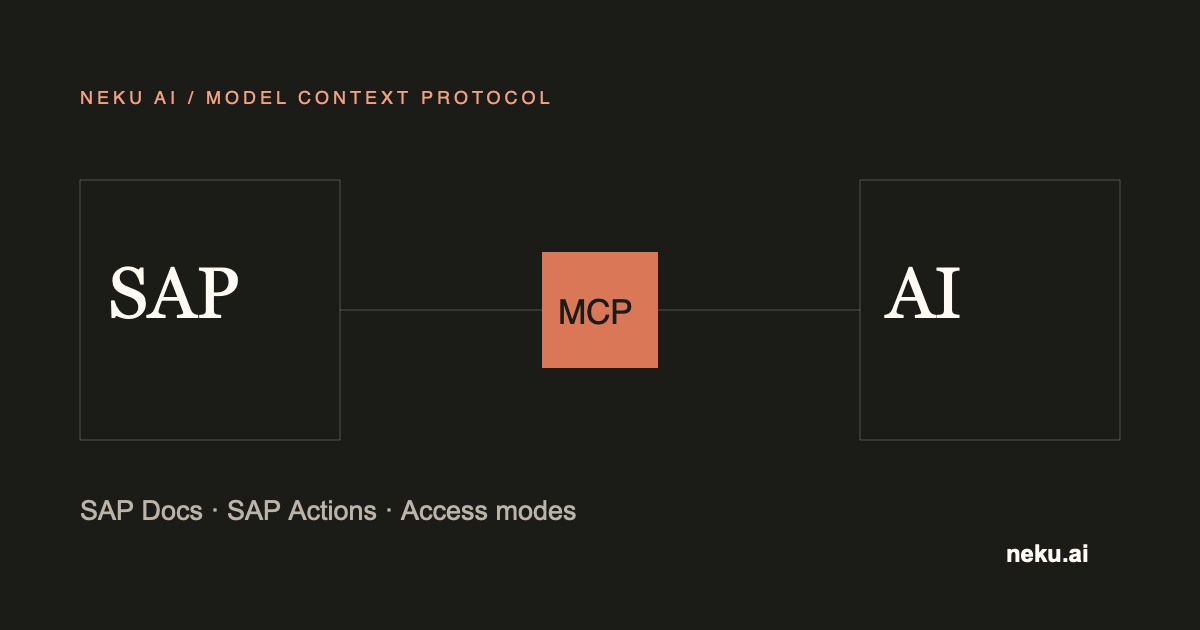
NeKu AI SAP MCP Server lets Claude Code and Codex access SAP documentation, permitted analysis tasks and read-only business data. Start the first evaluation with one business question and an SAP test environment.
Claude Code and Codex clients are supported. Hosted connectors inside Claude.ai and ChatGPT are not currently supported.
Which task can you start with?
- Explain the purpose of an ABAP object you are authorized to read.
- Investigate an SAP question using accessible documentation.
- Check the status of business records you are permitted to view.
Choose the task with your SAP team. Documentation research, business-data reading and record changes have different usage and permission boundaries.
Prepare before connecting
| Topic | Preparation |
|---|---|
| Client | Claude Code or Codex environment approved by your organization |
| Product access | Suitable NeKu AI license and access approval |
| SAP environment | Appropriate test system for the first task |
| User permissions | Access to the SAP object and data the task needs |
| Data boundary | Information that may reach the model and the person accepting the result |
The NeKu AI team shares connection details and setup steps for your deployment with your authorized team. SAP user permissions remain effective after the connection is established.
For general client options, see the Claude Code MCP documentation and Codex MCP documentation.
First demo: explain an ABAP object
Evaluate one ABAP object selected by your SAP team and accessible to the user. Ask for its purpose and relevant sources, then compare the explanation with the object shown in SAP.
- The answer should relate to the selected test environment and object.
- Inaccessible information and uncertain inferences should be identified.
- A read-only task must not change SAP code or records.
- Information outside the user’s permissions must not be shown.
To start with business-data questions, explore the SAP MCP and OData guide.
What if the connection does not work?
Review product access, network connectivity and user permissions with your NeKu AI and SAP owners. Include a short description and non-sensitive error information in a support request. Do not share passwords, access keys or real business data.
Agree the pilot scope together
First confirm answer accuracy, user permissions and data boundaries. Assess tasks that make permanent SAP changes separately and apply your organization’s approval process.
Explore the SAP MCP Server product page and NeKuDos SAP MCP pilot guide. Request an SAP MCP demo with your first task.