
SAP
Connecting AI agents to SAP with an SAP MCP Server
Learn the SAP MCP architecture through Model Context Protocol, SAP Docs, SAP Actions, per-user authorization and audit controls.
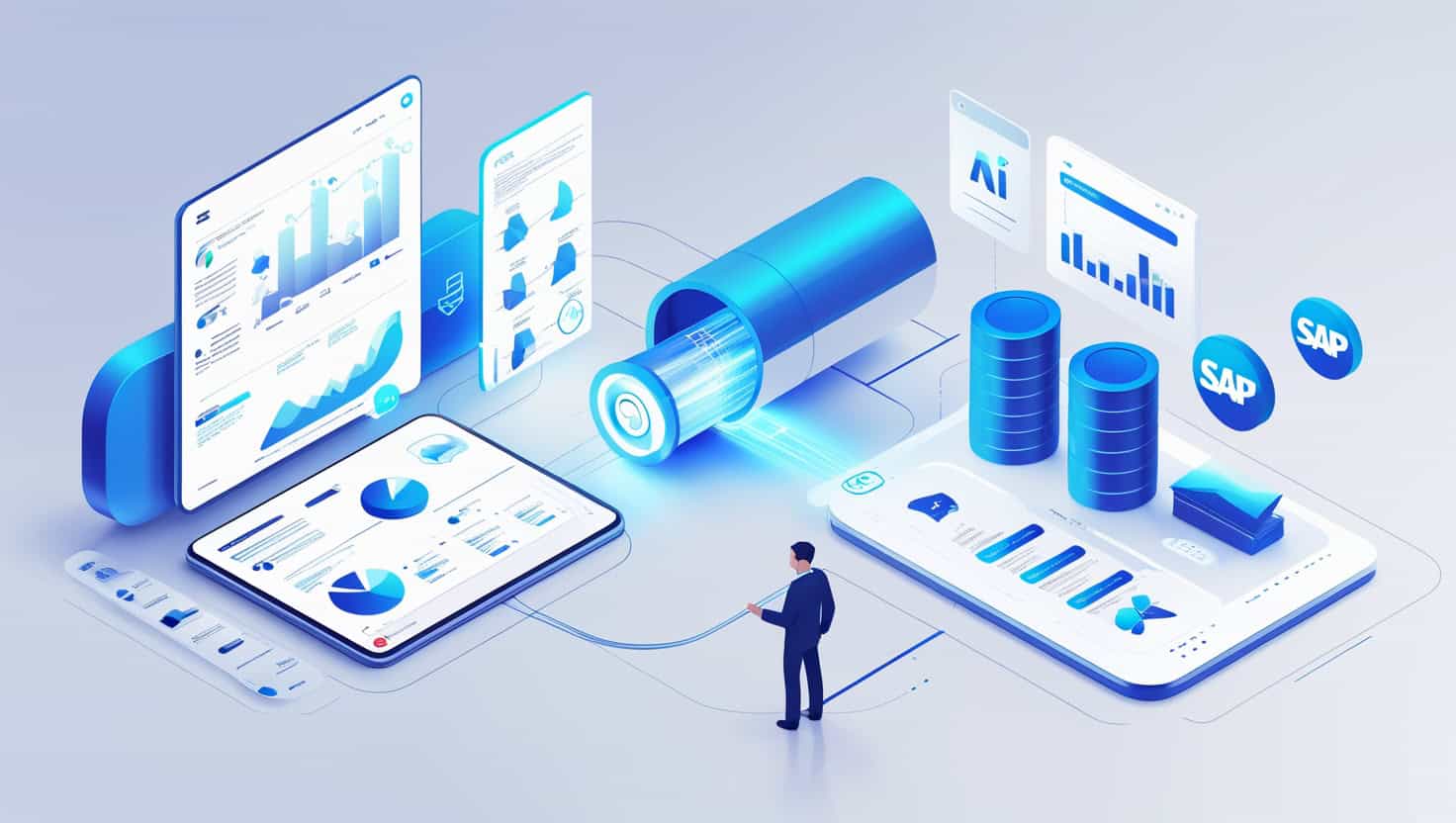
Connecting AI agents to SAP with an SAP MCP Server
MCP stands for Model Context Protocol. It gives AI clients a common way to use context sources and tools. NeKu AI SAP MCP Server turns this approach into a controlled connectivity layer for SAP.
Why separate SAP Docs and SAP Actions?
Accessing information and changing a system do not carry the same risk. SAP Docs provides documentation and explanatory context. SAP Actions contains query and action tools for a target system. This boundary prevents a read-only consulting experience from receiving the same permissions as an action workflow.
Which controls constrain the connection?
- Every tool call identifies the target SAP system explicitly.
- SAP credentials are assigned to a user and are not added to model responses.
- Read-only and separately authorized action modes restrict available tools.
- Tool calls can be audited and sensitive fields can be redacted from output.
- ECC and S/4HANA environments can be managed as separate named connections.
Where is SAP MCP used?
A support agent can review a question with SAP context; an analysis workflow can inspect a dump or transport request; and an action workflow can invoke only the SAP tool made available to it. Ready-to-run SAP AI workflows turn these tasks into practical starting points.
SAP MCP does not replace SAP roles or authorization. What an agent can do is the intersection of workflow design, access mode and the connected user’s SAP permissions.
Explore the SAP MCP technical page or request a demo.
What should the first MCP demo prove?
Choose one permitted ABAP object read. Evaluate the target SAP system, user permissions, returned source and rejection of an unauthorized call together. The demo sequence on the SAP MCP Server product page defines this task; the permission-aware MCP guide explains access decisions in more detail.